
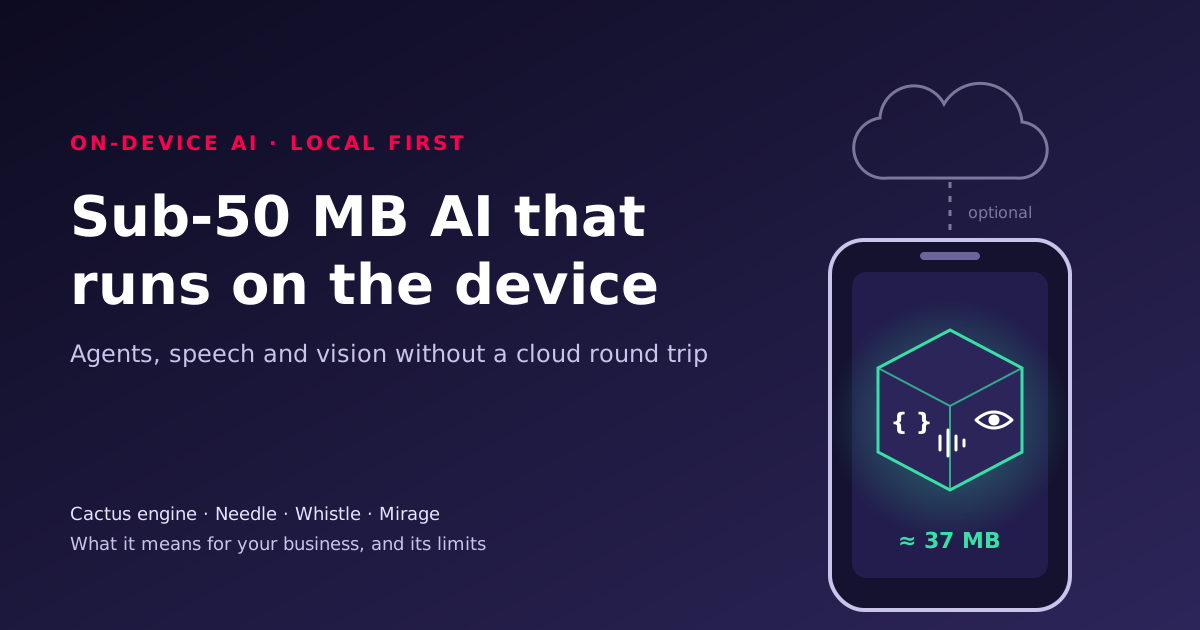
A free, open-source engine now runs tool calling, speech recognition and image understanding on ordinary phones, laptops and single-board computers, with each model under 50 MB. That changes the sums on privacy, latency and per-call cost for a set of narrow, repetitive AI tasks. Here is what the engine really is, what we measured when we ran it, where it falls short, and how to decide which of your AI tasks belong on the device.
For developers: Run agentic, voice and vision models on-device with Cactus has the code, from install to tool calling, speech, vision, benchmarking, an offline container and a cloud fallback, all run on our own hardware.
What the engine actually is
Cactus is a small native inference engine (a library that runs a trained model) with a Python package, cactus-compute, on top. One engine serves three of the company's own models [1][2]:
- Needle 3 turns a request into a call to one of your functions, or extracts structured fields from text. It does not write free text: an off-topic request returns an empty call, which is a refusal [2].
- Whistle transcribes speech in English, German, French, Spanish, Italian, Dutch and Polish, with word timestamps [2][4].
- Mirage describes images as structured JSON: objects with boxes, text lines (OCR, or optical character recognition) and simple forms [2][5].
The engine and the requested weights download from Hugging Face on first use, are checked against a SHA-256 checksum and cached. After that, inference needs no network [2][10]. Cactus lists engine builds for macOS, iOS, watchOS, tvOS, Android, Linux on x86, Arm, RISC-V and MIPS, Windows, and WebAssembly for browsers [3]. The project is young: the repository was created in February 2026, and the Python package went from version 4.0.0 to 4.2.3 between 5 and 16 November 2026 [7]. Expect change, and pin versions.

Two size claims need a footnote. Cactus describes "a sub-1 MB engine" [2]; the engine libraries we downloaded were 1.4 MB on macOS and 1.8 MB on Linux Arm. And its website quotes Needle 3 as an "8 to 29 MB binary" (fewer layers, smaller file), while the default file the package fetched was 35.3 MB, as its own API reference says [2]. Each model plus the engine is under 50 MB; all three together come to about 75 MB.
Why local-first AI matters to a business
Running a model on the device, rather than calling a cloud API, changes four things.
- Privacy and compliance. If a voice note or a photographed form never leaves the phone, there is no third-party processor to assess for that step and nothing in transit to intercept. That does not remove your data protection duties, but it shrinks them.
- Latency. A cloud call adds a network round trip and queueing you do not control. In our tests a local tool call took about 70 to 110 ms end to end on a laptop CPU.
- Cost. The marginal cost of a local call is the battery or electricity it uses. For high-volume, low-value requests (every button press, every scanned receipt) that is the difference between a fixed cost and a per-token bill that grows with usage.
- Offline working. Field engineers, warehouses, vehicles and sites with poor signal keep working. In our container test the model ran with networking switched off entirely.
The catch is capability. A 35 MB model is not a general assistant. It does one narrow job, and you have to design the product around that.

What we saw when we ran it
We installed cactus-compute 4.2.2 in a throwaway Python environment on an Apple M4 Max Mac and ran the documented examples, then built a Linux container. The machine was busy with other jobs, so treat these as indicative, not benchmarks.
- Tool calling worked out of the box. "Dim the kitchen to 30 percent" became
set_lights(room="kitchen", brightness=30)with confidence 0.90. "What is the capital of France?" correctly returned no call. - Fast, but sensitive to a busy CPU. A single tool call took a median of 67 to 110 ms across runs, decoding at roughly 450 to 700 tokens per second, with the engine reporting 136 MB peak memory. Pinned to one thread, latency stayed steady. Using all cores was quicker when the machine was quiet, but when other jobs saturated it the median rose to about 1.4 seconds. Measure on the hardware you will ship, under realistic load.
- The confidence score earned its place. Asked to "raise an urgent ticket" about a printer, the model proposed setting the lounge lights to full, with confidence 0.36. A threshold of 0.7 turned that into a confirmation instead of a wrong action.
- Grounding checks caught a bad number. Extracting an invoice total from "GBP 1,200.00", the model produced 12,200. Strict mode (the default) refused it as "not grounded in the input" rather than returning it.
- Speech was good on clean audio. A 5-second clip of text-to-speech audio transcribed exactly, in 0.74 seconds once loaded. A spoken command also went straight to the right tool call.
- Vision was the weakest. Mirage read the text in our test images correctly, but on a two-question form it abstained on one question in each run and, in one run, answered the other wrongly.
None of this is surprising for models this small. It does mean the design work is in the gates, tests and fallbacks, not the model call.
How it compares
| Option | Where it runs | Good at | Watch out for |
|---|---|---|---|
| Cactus (Needle, Whistle, Mirage) | Phones, laptops, Raspberry Pi-class boards, browsers; CPU | Narrow tool calls, extraction, short speech, OCR; offline; tiny downloads | No free text; small tool sets; young, fast-changing project; vendor benchmarks not independently checked |
| llama.cpp, Ollama, MLC LLM | Laptops, desktops, phones (MLC), GPU servers | General chat and drafting with open models of 1 to 70B+ parameters | Models are hundreds of MB to tens of GB; more memory and power |
| ONNX Runtime, ExecuTorch | Mobile, embedded, desktop; NPUs via vendor back ends | Shipping your own trained model in a mobile app | You bring and convert the model; more engineering |
| NVIDIA TensorRT Edge-LLM | NVIDIA Jetson, DRIVE, DGX Spark [9] | LLMs and vision-language models on NVIDIA edge hardware | NVIDIA hardware only; engines built per device |
| Cloud LLM API | Provider's data centre | Hardest reasoning, long context, no hardware to run | Per-call cost, latency, data leaves your control |

A playbook for your first on-device feature
- Pick one narrow, frequent task. Good candidates: voice commands for a field app, logging a meter reading from a photo, turning a support message into a ticket with a category. Five tools or fewer [2].
- Write the tools as strict schemas. Use fixed choices (enums) and bounded numbers, not free strings, wherever you can. The engine constrains output to the schema, so tighter schemas mean fewer wrong answers [2].
- Build a test set before you build the feature. Collect 100 to 200 real requests with the correct call, including ones that should be refused.
- Choose a confidence threshold from the test set. Plot accuracy against threshold and pick the point your risk appetite accepts. Below it, confirm with the user; for refusals, escalate.
- Measure on target hardware. Latency, peak memory and battery on the cheapest device you support, with the thread count set explicitly.
- Package for offline. Fetch the engine and weights at build time, pin the package version and point the app at local files, so nothing downloads in the field [10].
- Add the fallback. A larger model on your own server, a cloud API where the data allows, or a person.
- Monitor in production. Log the confidence, the route taken and whether users corrected the action, without logging the personal data itself.
Checklist
- The task maps to five or fewer well-named tools.
- Every tool argument is as constrained as it can be.
- Refusals and low-confidence calls have a designed user experience.
- A labelled test set exists and runs in CI on each model or package update.
- Package version and weight files are pinned; the app works with networking off.
- Telemetry is disabled if your policy requires it (
CACTUS_TELEMETRY=0) [1]. - Languages your users speak are among the seven Whistle supports.
Common mistakes
- Treating it as a chatbot. Needle returns tool calls, not prose. If you need written answers, you need a bigger model.
- Trusting every call. Small models are confidently wrong sometimes. Gate on confidence and check arguments.
- Benchmarking on a developer laptop. Your users have older phones. Measure there.
- Letting the app download models on first launch in the field. Ship the files, or pre-load them on a good connection.
- Quoting vendor numbers as fact. Cactus's speed and accuracy figures are its own; we found no independent reproduction. Test on your data.
- Turning off strict extraction to "fix" errors. In our test, strict mode was what stopped a wrong invoice total.
What to do this week
- List your AI features and mark which are narrow, high-volume and privacy-sensitive. Those are on-device candidates.
- Run the Cactus tool-calling example on one laptop (about ten minutes) and try twenty of your real requests.
- Write down the confidence threshold and fallback route you would need before showing it to a customer.
- Check which devices your users actually run, and get one of the slowest for testing.
If you want help deciding which AI work belongs on devices, on your own servers or in the cloud, and building the private side of that, see how we approach private AI.
Sizes, latencies and behaviour above are from our own runs on 16 November 2026 with cactus-compute 4.2.2; other figures are Cactus Compute's claims. This post is independent and not endorsed by Cactus Compute or NVIDIA. NVIDIA, Jetson, Nemotron and TensorRT are trademarks of NVIDIA Corporation. Other names are the property of their respective owners.
References
- cactus-compute/cactus: README, GitHub, Cactus Compute (Apache 2.0).
- Cactus API reference (llms.txt), Cactus Compute.
- Needle supported devices, Cactus Compute.
- Whistle announcement, Cactus Compute, 2 October 2026.
- Mirage model card, Hugging Face.
- Cactus Compute company page, Y Combinator.
- cactus-compute release history, PyPI.
- OpenDLSS-NR README, GitHub (independent project, cited only for the correction).
- TensorRT Edge-LLM overview, NVIDIA.
- Needle Python API and CLI documentation, Cactus Compute.